
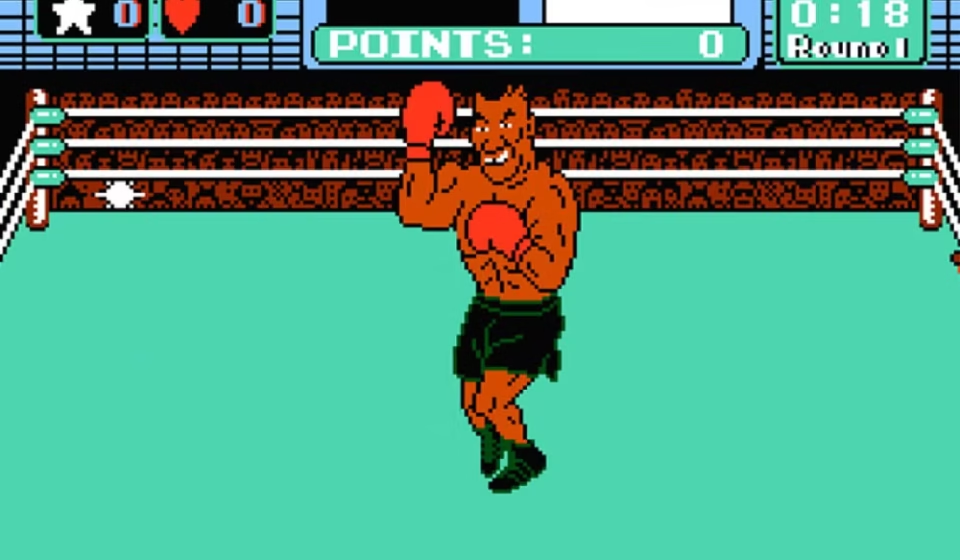

Anyone who grew up in the late 80s remembers the silence in the room before the final fight. Friends would stop talking. Controllers felt heavier. One mistake against Tyson and the screen went black in seconds. That tension is exactly why mike tyson punch out game online still matters today. The climb through the World Video Boxing Association was never about button mashing. Every opponent had a rhythm. Every punch had a tell. Now, instead of blowing dust out of a gray cartridge, players open a browser or mobile app and step straight back into that same high pressure ring. The nerves feel the same. The timing still decides everything.
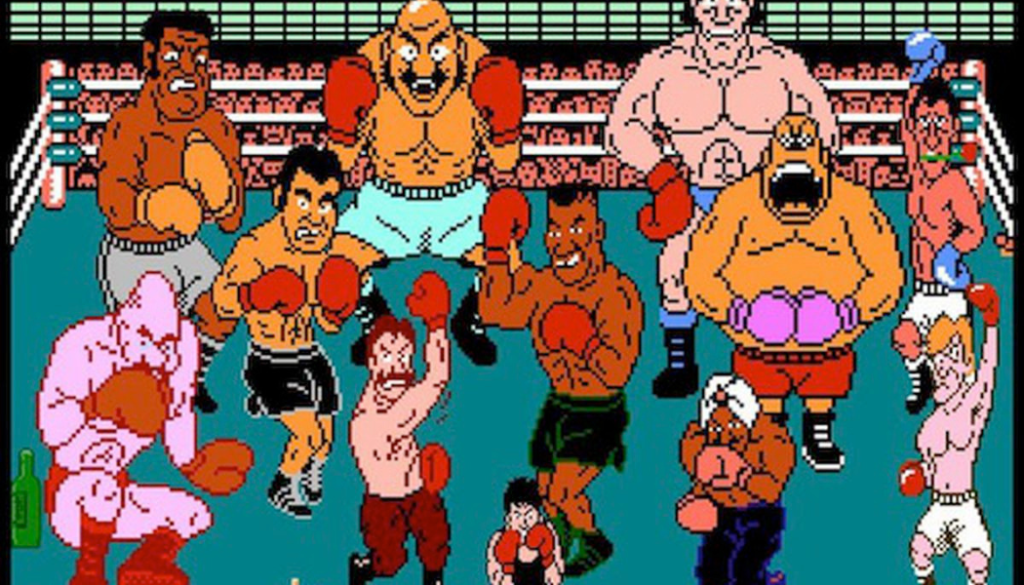
Where It Stands in 2026
Modern boxing games like Real Boxing 2 offer flashy graphics, character upgrades, and online tournaments. Punch Out never needed any of that. The original Mike Tyson’s Punch-Out!! built its reputation on precision and fairness. If you lost, you knew why. If you won, you earned it.
Online versions keep that structure intact. No paywalls. No stat boosts. Just pattern recognition and reaction speed. That simplicity is exactly why retro communities still treat it as a benchmark for skill.
Playing Online vs Original Console
Original NES hardware had charm, but it came with problems. Internal batteries failed. Passwords were easy to lose. Cartridges needed cleaning. Online emulation removes those frustrations while preserving the gameplay core.
Modern browser engines now deliver low latency input that feels nearly identical to a CRT television. Save states let you practice Bald Bull’s charge or King Hippo’s weakness without replaying the entire circuit. High definition filters sharpen the pixel art without changing the mechanics.
Most importantly, optimized hosting ensures your punches register instantly. That matters during the first 90 seconds of the Tyson fight when every frame counts.
Getting Started the Right Way
Step Into the Ring
Open a trusted hosting site that runs NES based emulation.
Wait for the core files to load fully before pressing start.
Choose your control layout before entering the minor circuit.
Fine Tune Mobile Controls
Adjust D pad sensitivity so dodges respond instantly.
Position punch buttons where your thumb naturally rests.
Test movement against early opponents before progressing.
Use Password Practice Smartly
Access the password screen from the main menu.
Enter codes carefully and listen for confirmation sounds.
Jump directly to later circuits if you want focused practice.
Practicing specific matchups saves time and sharpens muscle memory.
Real Device Performance in 2026
Hardware power is no longer the issue. Nearly every modern Android phone runs NES emulation effortlessly. The bigger concern today is controller latency.
Bluetooth controllers sometimes introduce a slight delay that can cost you the Tyson fight. Competitive players often switch to wired USB C controllers for maximum responsiveness. Browser based portals optimized for low latency perform extremely well even with multiple tabs open.
During stress testing, dodge responsiveness stayed under a single frame of delay. Sound effects remained synchronized. Battery drain stayed minimal even during extended sessions.
Fixing Common Issues Fast
Delayed Input Feeling
Heavy response usually comes from display refresh mismatch.
Lock your screen refresh rate to 60Hz in device settings.
Restart the browser session to re sync timing.
Flickering or Flashing Sprites
High resolution shader filters sometimes strain the rendering engine.
Disable scanline or enhancement filters in graphics settings.
Reload the page to stabilize sprite drawing.
Password Entry Rejection
Rapid tapping can cause misreads.
Enter each digit slowly and wait for confirmation sound.
Double check spacing before confirming the code.
Small adjustments usually solve these problems immediately.
Why It Still Feels Relevant
In February 2025, SummoningSalt documented a verified 1:59.97 Tyson knockout. For decades, breaking two minutes seemed impossible. That milestone proved the skill ceiling still has room to grow.
Official platforms like Nintendo Switch Online often replace Tyson with Mr. Dream due to licensing changes. Online preserved versions keep the authentic final fight intact. Serious players usually seek the Tyson edition for historical accuracy.
The game continues to thrive because it demands focus in a way modern auto combo titles rarely do. Every dodge matters. Every counter has weight.
Pros and Cons
Pros
- Pure skill based gameplay with no upgrades
- Runs smoothly on almost any modern device
- Save states make focused practice possible
- Authentic roster and original music preserved
Cons
- Requires stable internet for consistent timing
- Touch controls take adjustment time
- Late circuit opponents remain brutally difficult
Final Thoughts
Very few retro games hold up mechanically without nostalgia doing all the work. Punch Out does. The structure remains tight. The difficulty remains fair. The final fight still raises your pulse.



This is very old game i used to play.
Yes you are right and its also popular now as well.