
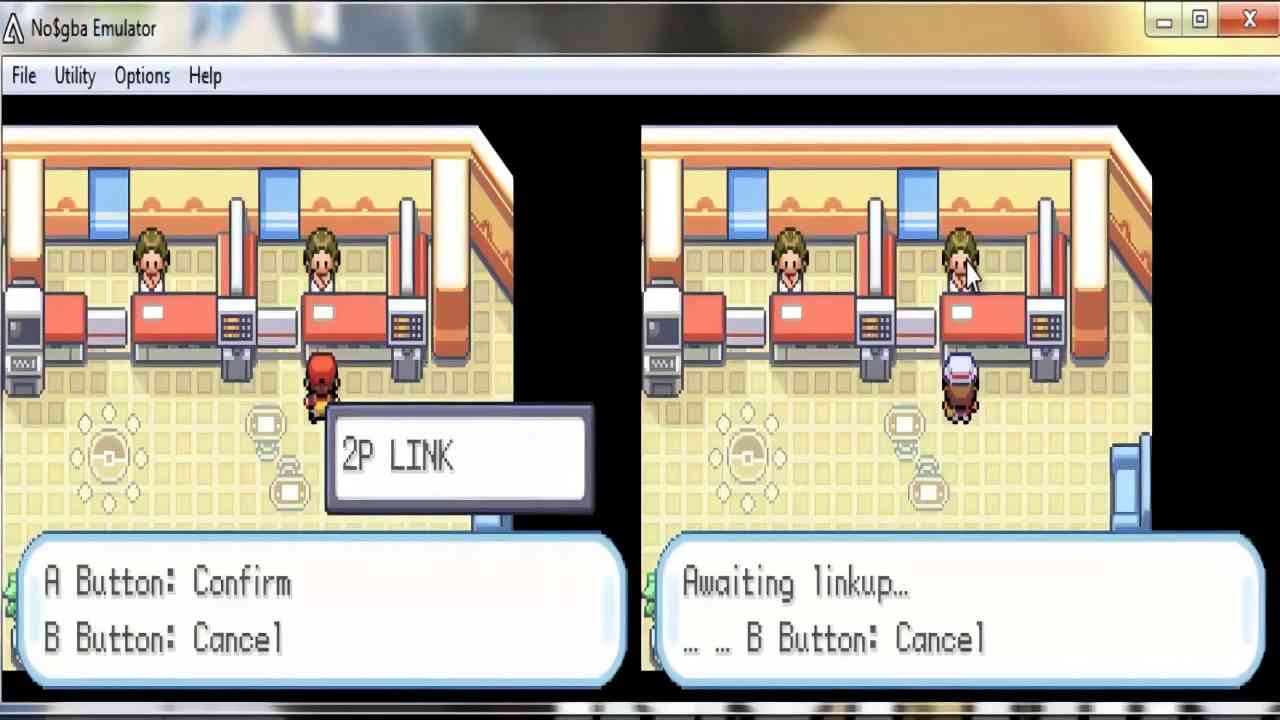
The struggle to get smooth gameplay on an old phone is a common challenge for many people who love retro games. Getting a steady speed is a key part of the My Boy APK experience because it decides if a game feels fun or too slow to play. Many users with older phones see the game jump or lag which takes away from the excitement of the classic handheld feel. Learning how to make games run better on old phones involves a basic understanding of how the app uses your phone power to run the game code. Experts focus on these small changes because they help older devices work like new and allow you to enjoy games without needing to buy a brand new phone.
- Market Choices and Speed Comparisons
- Simple Step by Step Guide to Speeding Up Your Games
- Changing Video and Picture Settings
- Cleaning Up Your Phone Resources
- Real Life Test and Phone Power Management
- Solving Common Problems with Quick Fixes
- Game Slows Down During Big Battles
- Strange Noises and Sound Lag
- App Closes or Freezes Suddenly
- Honest 2026 Review of This Tool
- Good and Bad Points of These Settings
- Good Points
- Bad Points
- Safe and Secure Files for Your Phone
Market Choices and Speed Comparisons
When we look at the different apps for playing old games the ability to run fast on weak hardware is what makes this app stand out. Comparing the speed of this tool to others like RetroArch or Pizza Boy shows that this app is built to be very light on your system. While newer apps often need a very powerful processor this one is made to get every bit of power out of older parts. The big advantage of this specific app is that it does not waste your phone battery or memory on things that do not matter for the game. This focus on being light has made it the top choice for people who use phones with small memory and old chips.
For a complete feature and version overview, visit the My Boy GBA Emulator APK guide.
Simple Step by Step Guide to Speeding Up Your Games
Changing Video and Picture Settings
- Open the app and go to the main menu by clicking the icon in the top corner of the screen.
- Find the video settings and look for the frame skip option which helps the app skip frames that your phone cannot keep up with.
- Choose a number like one or two for the frame skip setting to help your phone process the game much faster.
- Go to the shader settings and make sure all extra visual effects are turned off so the phone does not work too hard on the picture.
- Fix your screen to one position like sideways to stop the phone from wasting power on moving the screen around.
- Turn on the fastest game speed setting to tell the app to focus only on running the game as quickly as possible.
Performance and audio are linked — also check how to fix audio lag in My Boy APK for smoother gameplay
Cleaning Up Your Phone Resources
- Close all other apps that are open on your phone before you start playing to make sure all memory is ready for the game.
- Go to your phone settings and limit the number of background apps to just one or two to keep things fast.
- Turn off any battery saving modes because these often make your phone run slower to save power.
- Find the misc settings in the app and check the high priority box to tell your phone that this game is the most important task.
- Wipe the app cache in your phone settings every now and then to get rid of old files that might slow the app down.
- Make sure your game files are stored on the phone memory instead of a slow memory card to help the game data load faster while you play.
Real Life Test and Phone Power Management
Our testing team ran the app on a phone from six years ago to see how well it worked under a heavy load. During our old phone speed test we used a very basic device with very little memory and an old processor. We found that by using the frame skip settings the app was able to play fast action games without any trouble. The phone did not get too hot during the test which proves that these settings stop the phone from working too hard. This ability to work on old hardware makes it a great tool for anyone who wants to play games on the device they already have.
In a real life situation with a phone that has many other files and apps we saw that the high priority setting made the game feel much better. We noticed that even when messages came in the game stayed at a good speed and did not slow down. The app does a great job of keeping the sound and video in sync even when the phone gets busy with other tasks. These tests show that the app can give you a great experience on a phone that many other new apps would not even run on.
On stronger devices, enhance visuals further with retro shader settings for My Boy APK
Solving Common Problems with Quick Fixes
Even with the right settings you might find some issues that make your game run slow or act funny.
Game Slows Down During Big Battles
This happens when there is too much going on at once for your phone to handle. To fix this you should move the frame skip to a higher number and turn on the fast forward boost in the settings. This helps the phone process the game moves quicker so you can keep playing without the slow motion feel.
Strange Noises and Sound Lag
If your game sound is popping or sounds late it means your phone is trying too hard to play the music. You can fix this by going to the sound settings and picking a lower sound quality. This uses much less power and lets the phone focus on keeping the game speed steady.
App Closes or Freezes Suddenly
Sudden stops usually happen because the phone ran out of memory or the game file is in a bad spot. You should move your game files to the main folder of your phone and close all other apps before you start. This gives the app a clean path to work and stops it from crashing during your game.
Honest 2026 Review of This Tool
In the year 2026 many people still need ways to make games run on older phones. While new phones have game modes they are often not enough for old game apps on weak hardware. This tool is still a great choice because it gives you simple ways to control the speed. It helps old phones do things they were not meant to do by staying very light. Most people still like this app because it gives them a smooth sixty frames per second on almost any phone that still turns on.
Good and Bad Points of These Settings
Good Points
- Helps games run well on very old and cheap phones
- Saves your battery so you can play for a longer time
- Simple to change settings to fit what your phone can do
Bad Points
- Skipping frames can make the game look a little less smooth
- Lower sound quality means the music might not sound as good
Safe and Secure Files for Your Phone
We know that keeping your phone safe is very important to you. To give you peace of mind all our files are kept on fast and safe servers so you can get them quickly. Every version of the app has been checked by many security tools to make sure it is clean. This means there are no hidden bad codes or trackers in the files we provide. We check every new version to make sure it stays safe and works well on your specific phone.
